Free kit for the Claude app
Your own course, built from your own answers.
Open the folder in the Claude app and type /learn-anything. It interviews you, then builds each step: a lesson you click through, a short film, an audio recap and a practice game.
Get the kit behind the video.
The folder I used to learn how AI models work, plus my lesson 1 as the example. It costs one email.
The learning kit
Free. A folder you open in the Claude app.
- The tutor's instructions
- How it interviews you, builds your course and checks what you learned. Plain text Claude reads.
- The interview
- Stories, not a quiz: how you got good at something, what made you stop last time, what you want to learn and what for.
- A course for one person
- It starts from what you already know and ends in something you make.
- Every step
- A lesson you click through, a short film, an audio recap for a walk and a practice game. Feedback on every move, never a grade.
- The teach-back
- You explain each idea in your own words. It names one gap and you try again. Only that counts as learned.
- My lesson 1
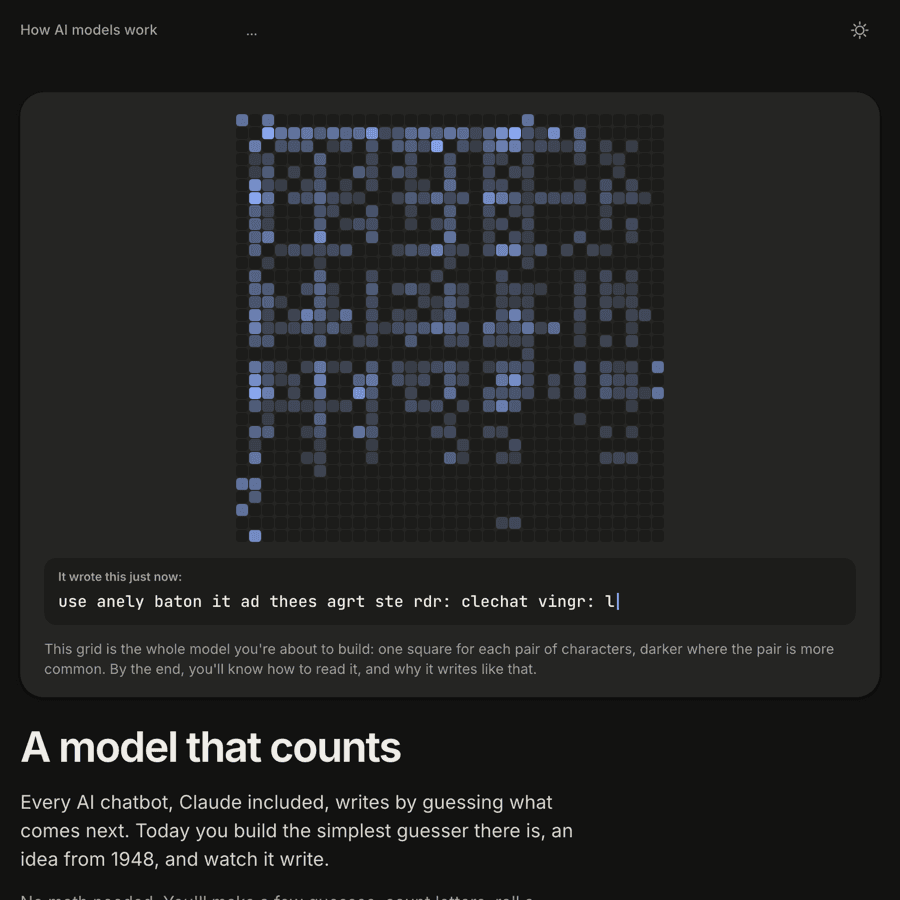
- “A model that counts”, from my course on how AI models work, with a small model you can type into.
What it's good for
Learning a subject over a few weeks, one step at a time. For a quick answer, a chat is faster.
What you need
- The Claude desktop app
- With a paid plan (Pro or above), which the Code tab needs. No terminal.
- A topic and a reason
- What you want to learn, and what you'll do with it.
- Time for the interview
- Answer in stories. Long answers help: more detail, a better course. Dictating works well.